
WHOOPS!
If you've stumbled upon this page inadvertently, no worries! This is your web design company's dedicated space for maintaining a seamless and strong brand presence throughout your website. Occasionally, we might swing by to run tests on aspects like mobile responsiveness and new widgets to ensure everything stays top-notch. Feel free to carry on with your web adventures!
TO DO LIST
Initial Setup
Go through all notes, and correspondence with the client and create brief/notes.
This includes your preliminary work for SEO which you will constantly refer back to.
I kick things off by diving into the fun world of Pinterest, where I gather a bunch of cool ideas and check out what's happening in similar industries.
Once I've got my inspiration fix, I sketch out a rough plan for how I want the website to look – kind of like a doodle session but for websites.
Then, I take a little detour to explore what's happening in other places. Like, if I'm working on a hair salon site, I'll scope out what's trendy in New York, Sydney, or London salons. I save the ones I vibe with.
Once I've gathered ideas from around the globe, I'm ready to tackle the local scene. This way, I make sure the local vibes don't take over too soon, and I can cook up something unique and awesome.
Work out any predefined styles.
Work out your colour palette.
Work through this page to define style.
I find it easier to upload as many images as you can in the beginning. You'll need to build an image library for the client.
You will need a minimum of 3x image files for every image.
STEPS:
- Collect all images in your client's design folder. It's important that if you download any stock images to keep a copy in the stock to sort folder with the original downloaded name.
- Rename the images in your clients image folder as the defined image SEO name using underscores including an underscore at the end. For example comox_Web_Design_Courtenay_graphic_Design_01_
- SQUARE > Open all of the images in Photoshop and crop a square version then save as:
- 1000x1000 in the webp format.
- Rename this set as SQUARE at the end of file name. For example comox_Web_Design_Courtenay_graphic_Design_01_SQUARE
- HERO > Now open all the images again in Photoshop and save as:
- 1400width
- Rename this set as HERO at the end of file name. For example comox_Web_Design_Courtenay_graphic_Design_01_HERO
- Upload all the square and hero versions but not the original full-resolution version. I find it easier to take a copy of all square and hero images and place them in the same folder then upload and then delete the folder contents. This keeps the square and hero versions together in WordPress. You don't have to do this.
Set service pages. Do not replace simply change the page name.
Go to dashboard > Pages >
Take a backup at a few different points. It's unlikely you will lose the site but it has happened. Its not a good idea to do more than a couple of backups throughout the process.
I take one once I've completed the style sheet, home page and one other page.
I then take one at the end before the proof is handed over to the client.
There is a backup folder in your client folder.
Once it uploads to Dropbox you need to make it an online file only.
Name it by the following to keep them ordered.
YEARmonthDAY_Decription.
For example
20240127_Proof_One
Are any of the pages password-protected? Or should they be?
For example, if a client wants to keep a website hidden while it's in development you may need to add a password to the home page and make a note to remove it upon it going live.
FOR PROOF ONE
Double check all links open to the right location.
I find it handy to click while holding the command key on a mac to open a new tab.
once the site is live
Slugs = the end of the URL on pages.
Slugs can sometimes be incorrect. Especially if you have duplicated the page.
To check page Slugs > Go to dashboard > quick edit on each page > Slug.
If it is incorrect delete it and it will automatically replace with the correct page names.
Go to Customise > Site identity > Add >
TITLE > Just the name of the business.
TAGLINE > Consider SEO here. Not just the company's official tagline.
FAVICON > This should be 512x512 pixels. Upload as PNG especially if you want a transparent background. Keep it simple if possible and avoid text.
Carefully go through all the settings. To get to this go
DASHBOARD > SETTINGS
Special note on below.
INDEXING: Indexing should be placed on. This is crucial otherwise Google will not be able to see the website.
TIME:
DATE:
LANGUAGE: Make sure this is the correct version of English.
Update the client's information here for a basic privacy page.
Go through SEO on each page/post and category.
Go back through the library and remove unused or unlikely-to-use photos or elements.
Create a backup as per the instructions from backup under initial setup
Basic Section - Style 1
SUB HEADING IF NEEDED
Body of text if needed. These sections are saved in the templates section and can be duplicated to be worked on. The tabs are a great way of hiding text but it still benefits the SEO as it is still read. Any of these elements can be removed for the application.
Colour Palette
540703
Wine
990e00
Deep red
f43518
Scarlet
4d8202
Basil
6da22b
Apple
9fc23f
Lime
ceea65
Pear
ecf9b7
Chartruse
000000
BLACK
a1a1a1
CONCRETE
f1f3f4
FOG
f7f7f7
SMOKE
ffffff
WHITE
141f21
IRON
29363b
ANCHOR
829499
SEAL
def5f7
PEARL
f0fafa
SEAMIST
FONTS
This is a H1 Heading over two lines
This is a H2 Heading over two lines
This is a H3 Heading over two lines and needs to be a bit longer
This is a H4 Heading over two lines and needs to be a bit longer
This is a H5 Heading over two lines and needs to be a bit longer
This is a H6 Heading over two lines and needs to be a bit longer
This is an example of a standard paragraph.
Morbi quis fermentum nisi. Nulla quis aliquet dolor. Suspendisse ultrices ipsum in magna interdum varius. Duis imperdiet fringilla metus sit amet pellentesque. Praesent mollis turpis id magna sagittis, id iaculis metus luctus. Maecenas aliquam eget velit vitae scelerisque. Pellentesque posuere pharetra nisl.
Suspendisse potenti. In hac habitasse platea dictumst. Mauris venenatis non mi et posuere. Proin pellentesque scelerisque augue vel pharetra.
Donec sit amet tincidunt nulla. Nulla cursus mi elit, ac vulputate leo maximus sit amet. Aliquam sagittis mattis vestibulum. Mauris et aliquam risus.
Phasellus sodales rutrum dapibus. Fusce pharetra ullamcorper risus nec consectetur.
Style Check
Palette Test 1
SUB HEADING COLOUR
This is an example line of text to test the standard font on one of the main palette backgrounds. If this section isn't looking good you need to rework it. Give the icon below an overstate.
Palette Test 1
SUB HEADING COLOUR
This is an example line of text to test the standard font on one of the main palette backgrounds. If this section isn't looking good you need to rework it. Give the icon below an overstate.
Palette Test 1
SUB HEADING COLOUR
This is an example line of text to test the standard font on one of the main palette backgrounds. If this section isn't looking good you need to rework it. Give the icon below an overstate.
Buttons
BUTTONS
Any new buttons are to be created here and then saved as global elements before being used anywhere else on the website. Take note of how the named buttons are saved. You can duplicate a global button to get started. Essentially this a database of everywhere there are buttons which saves time every time there is a small tweak.
Variables
Colours
Background colour = e87325
Hover colour = b54e26
Font = ffffff
FONT HOVER = ffd9bf
Font Size
Poppins Semi Bold
Text size = 17, 17, 16, 16
Line Height = 1.2
Spacing = 1.5
OTHER
Width = 350
Boarder Size = 1.5
Padding = 20, 15, 20, 15
Radius = 15
Margins = 20
Global Centred Buttons
BC1
BC2
BC3
LEFT aligned (THEN CENTRED ON TABLET AND MOBILE)
BL1
BL2
BL3
Icons
Steps
aa
Accordion Styling
The accordion style should be designed below and used as the starting point for the rest of the forms throughout the website including this page.
Unfortunately, the way we need to do this at the moment is via copying and pasting styles from the edit menu. Then going through the site with a fine tooth comb and applying the style everywhere.
Be careful to try and get it right the first time otherwise you will need to repeat this step.
Example text -
Lorem ipsum dolor sit amet, consectetur adipiscing elit. Etiam odio felis, luctus vitae convallis ut, tempor at orci. Donec quis varius quam. Fusce euismod feugiat ex, in sodales nunc sagittis a. Aenean non est sapien. Ut dignissim nunc vel aliquam ultricies. Pellentesque vitae rhoncus mauris. Mauris blandit arcu quis sem accumsan, id posuere enim aliquam. Aenean pulvinar augue vitae risus pulvinar placerat. Phasellus eleifend sapien sed tortor vulputate, nec convallis sem gravida. Aenean nec erat a ligula aliquam consectetur. In non cursus quam, quis commodo metus.
Donec efficitur vulputate egestas. Pellentesque et diam id dui fermentum scelerisque sit amet vel eros. Integer at ultrices velit, at posuere quam. Nam a semper nisl, sed blandit nibh. Nunc laoreet sed lectus nec imperdiet. Etiam tellus enim, mattis id pretium ut, lobortis quis libero. Cras ullamcorper ex sed pellentesque congue. Suspendisse congue nulla sed elit blandit sollicitudin. Nullam a tempus ante, quis sagittis sem. Nulla facilisi. Vestibulum ante nibh, condimentum nec leo in, porttitor tristique tortor.
Example text -
Lorem ipsum dolor sit amet, consectetur adipiscing elit. Etiam odio felis, luctus vitae convallis ut, tempor at orci. Donec quis varius quam. Fusce euismod feugiat ex, in sodales nunc sagittis a. Aenean non est sapien. Ut dignissim nunc vel aliquam ultricies. Pellentesque vitae rhoncus mauris. Mauris blandit arcu quis sem accumsan, id posuere enim aliquam. Aenean pulvinar augue vitae risus pulvinar placerat. Phasellus eleifend sapien sed tortor vulputate, nec convallis sem gravida. Aenean nec erat a ligula aliquam consectetur. In non cursus quam, quis commodo metus.
Donec efficitur vulputate egestas. Pellentesque et diam id dui fermentum scelerisque sit amet vel eros. Integer at ultrices velit, at posuere quam. Nam a semper nisl, sed blandit nibh. Nunc laoreet sed lectus nec imperdiet. Etiam tellus enim, mattis id pretium ut, lobortis quis libero. Cras ullamcorper ex sed pellentesque congue. Suspendisse congue nulla sed elit blandit sollicitudin. Nullam a tempus ante, quis sagittis sem. Nulla facilisi. Vestibulum ante nibh, condimentum nec leo in, porttitor tristique tortor.
Example text -
Lorem ipsum dolor sit amet, consectetur adipiscing elit. Etiam odio felis, luctus vitae convallis ut, tempor at orci. Donec quis varius quam. Fusce euismod feugiat ex, in sodales nunc sagittis a. Aenean non est sapien. Ut dignissim nunc vel aliquam ultricies. Pellentesque vitae rhoncus mauris. Mauris blandit arcu quis sem accumsan, id posuere enim aliquam. Aenean pulvinar augue vitae risus pulvinar placerat. Phasellus eleifend sapien sed tortor vulputate, nec convallis sem gravida. Aenean nec erat a ligula aliquam consectetur. In non cursus quam, quis commodo metus.
Donec efficitur vulputate egestas. Pellentesque et diam id dui fermentum scelerisque sit amet vel eros. Integer at ultrices velit, at posuere quam. Nam a semper nisl, sed blandit nibh. Nunc laoreet sed lectus nec imperdiet. Etiam tellus enim, mattis id pretium ut, lobortis quis libero. Cras ullamcorper ex sed pellentesque congue. Suspendisse congue nulla sed elit blandit sollicitudin. Nullam a tempus ante, quis sagittis sem. Nulla facilisi. Vestibulum ante nibh, condimentum nec leo in, porttitor tristique tortor.
Example text -
Lorem ipsum dolor sit amet, consectetur adipiscing elit. Etiam odio felis, luctus vitae convallis ut, tempor at orci. Donec quis varius quam. Fusce euismod feugiat ex, in sodales nunc sagittis a. Aenean non est sapien. Ut dignissim nunc vel aliquam ultricies. Pellentesque vitae rhoncus mauris. Mauris blandit arcu quis sem accumsan, id posuere enim aliquam. Aenean pulvinar augue vitae risus pulvinar placerat. Phasellus eleifend sapien sed tortor vulputate, nec convallis sem gravida. Aenean nec erat a ligula aliquam consectetur. In non cursus quam, quis commodo metus.
Donec efficitur vulputate egestas. Pellentesque et diam id dui fermentum scelerisque sit amet vel eros. Integer at ultrices velit, at posuere quam. Nam a semper nisl, sed blandit nibh. Nunc laoreet sed lectus nec imperdiet. Etiam tellus enim, mattis id pretium ut, lobortis quis libero. Cras ullamcorper ex sed pellentesque congue. Suspendisse congue nulla sed elit blandit sollicitudin. Nullam a tempus ante, quis sagittis sem. Nulla facilisi. Vestibulum ante nibh, condimentum nec leo in, porttitor tristique tortor.
Example text -
Lorem ipsum dolor sit amet, consectetur adipiscing elit. Etiam odio felis, luctus vitae convallis ut, tempor at orci. Donec quis varius quam. Fusce euismod feugiat ex, in sodales nunc sagittis a. Aenean non est sapien. Ut dignissim nunc vel aliquam ultricies. Pellentesque vitae rhoncus mauris. Mauris blandit arcu quis sem accumsan, id posuere enim aliquam. Aenean pulvinar augue vitae risus pulvinar placerat. Phasellus eleifend sapien sed tortor vulputate, nec convallis sem gravida. Aenean nec erat a ligula aliquam consectetur. In non cursus quam, quis commodo metus.
Donec efficitur vulputate egestas. Pellentesque et diam id dui fermentum scelerisque sit amet vel eros. Integer at ultrices velit, at posuere quam. Nam a semper nisl, sed blandit nibh. Nunc laoreet sed lectus nec imperdiet. Etiam tellus enim, mattis id pretium ut, lobortis quis libero. Cras ullamcorper ex sed pellentesque congue. Suspendisse congue nulla sed elit blandit sollicitudin. Nullam a tempus ante, quis sagittis sem. Nulla facilisi. Vestibulum ante nibh, condimentum nec leo in, porttitor tristique tortor.
Forms
Steps
Each website will need to have the forms catered to it. If a booking form is not needed just leave it as is.
You can access the forms editor form via the dashboard> Wp Forms.
After that step is complete you want to edit the settings via the following buttons and make sure they match your branding.
COMMON SECTIONS
Basic Sections are global elements but can be duplicated to break the global connection. Its important to remember to do this.

Basic Section - Style 1
SUB HEADING IF NEEDED
Body of text if needed. These sections are saved in the templates section and can be duplicated to be worked on. The tabs are a great way of hiding text but it still benefits the SEO as it is still read. Any of these elements can be removed for the application.
Example text to be replaced
Example text to be replaced
Example text to be replaced

Basic Section - Style 2
SUB HEADING IF NEEDED - IMPORTANT PICTURE DOES NOT DISPLAY ON MOBILE OR TABLET
Body of text if needed. These sections are saved in the templates section and can be duplicated to be worked on. The tabs are a great way of hiding text but it still benefits the SEO as it is still read. Any of these elements can be removed for the application.
Example text to be replaced


Need help / can't find what you're looking for?
If you don’t see the service you need on our webpage, reach out to us directly. At Harcon Electric and Controls, we’re committed to providing tailored electrical solutions for homes and businesses across the Comox Valley.
Our Clients







join us on social media
Feel free to join Harcon Electric and Controls on one of the following social media platforms.


COMING SOON!
Please bare with us as we finailse our new website.
Our Reviews
Petras Land Surveying Inc. proudly holds accreditation from the Association of British Columbia Land Surveyors and is licensed to practice in British Columbia under the Land Surveyors Act.
Header
Steps
It's important to identify what will look best for the brand. Your three common choices are light, dark or branded colour. Your next choice will be whether to start with an opacity background on the header before it scrolls. Headers are the hardest part of web design and its a good idea to go in with a clear intention
Login to WordPress. Hover over the Beaver Builder menu in any section. Choose the header and tweak settings to match the style of the website.
I'm happy to help tweak the design to your vision.
It's a good idea to save variations that we might use later.
Steps
It's important to identify what will look best for the brand. Your three common choices are light, dark or branded colour. Your next choice will be whether to start with an opacity background on the header before it scrolls. Headers are the hardest part of web design and its a good idea to go in with a clear intention
Login to WordPress. Hover over the Beaver Builder menu in any section. Choose the header and tweak settings to match the style of the website.
I'm happy to help tweak the design to your vision.
It's a good idea to save variations that we might use later.
Blog
adasfdaf
Steps
Login to WordPress.
Hover over the Beaver Builder menu in any section.
Choose the footer and tweak the settings to match the style of the website.
FEATURED WORK
Some of Solve Civil's featured projects.
Recent Articles

How to Maintain Your Generac Generator
Owning a Generac home generator ensures that your family stays safe and connected during power outages, but regular maintenance is essential to keep it running smoothly. At Harcon Electric and Controls Ltd, we are your authorized service providers for Generac generators, offering expert guidance and servicing tailored to your needs in Courtenay, Comox, Cumberland, and…
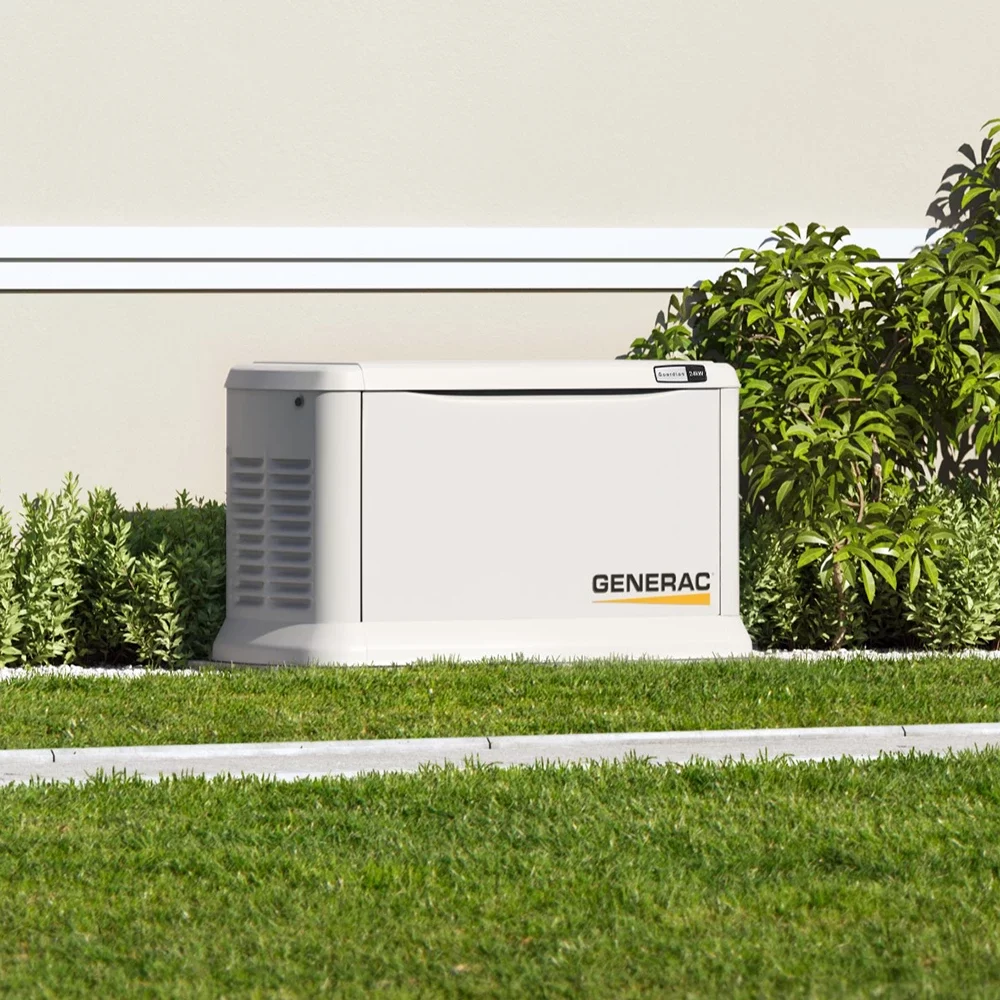
Top 5 Reasons to Install a Generac Home Generator
When the power goes out, having a reliable backup generator becomes essential, especially for homeowners in Courtenay, Comox, and the surrounding Comox Valley. At Harcon Electric and Controls Ltd, we proudly offer top-tier Generac home generators designed to provide peace of mind, safety, and convenience during unexpected power outages. Benefits of Installing a Generac…

5 Ways Home Automation Simplifies Your Life in the Comox Valley
Introduction Imagine walking into your home and having the lights adjust to your preferred ambience, the temperature set just right, and your favourite music playing in the background-all without lifting a finger. That’s the power of home automation. As technology continues to advance, homeowners in Courtenay, Comox, and Cumberland are discovering how these innovative solutions…
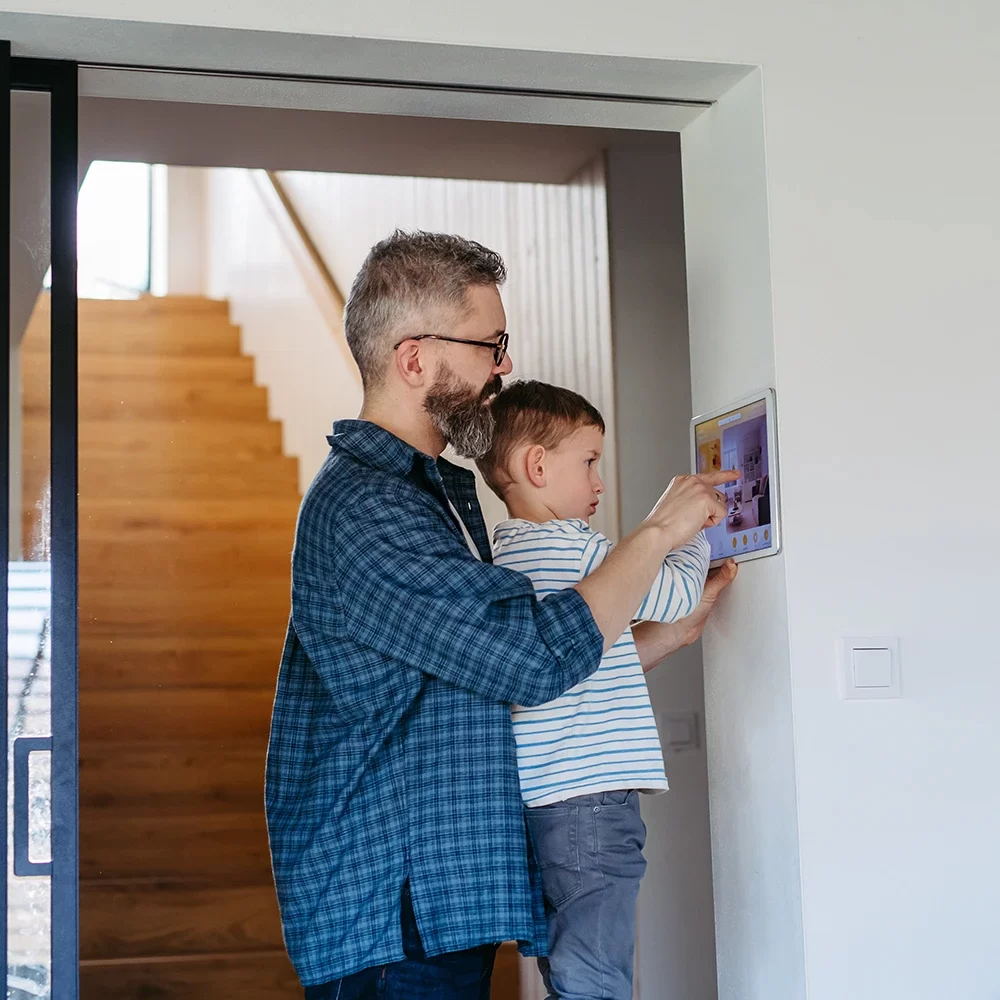
Maximizing Energy Efficiency with Smart Home Technology
Introduction Energy efficiency isn’t just a buzzword-it’s a practical goal that can significantly lower your monthly expenses while reducing your carbon footprint. In places like Courtenay, Comox, Cumberland, and Campbell River, homeowners and businesses alike are turning to smart home technology to optimize energy consumption. In this article, we’ll dive into how home automation can…

What to Know About Load Management for EV Chargers
Efficiently managing the energy used for charging your electric vehicle (EV) is essential to maintaining a balanced and reliable electrical system. At Harcon Electric and Controls Ltd, we provide customized load management solutions to help homeowners in Courtenay, Comox, and Campbell River optimize their EV charging experience. Why Load Management is Crucial for EV…

The Benefits of Installing an EV Charger at Home
As the popularity of electric vehicles (EVs) continues to grow in regions like Courtenay, Comox, and the entire Comox Valley, having a dedicated EV charger at home has become more convenient than ever. Harcon Electric and Controls Ltd is dedicated to providing seamless, high-quality EV charger installations, ensuring that homeowners in Nanaimo, Campbell River, and…

The Hidden Dangers of Ignoring Electrical Problems
Ignoring minor electrical issues can have serious consequences. At Harcon Electric and Controls Ltd, we’ve seen firsthand how seemingly harmless problems, like buzzing outlets or flickering lights, can escalate into major emergencies. Serving the Comox Valley-including Courtenay, Comox, Cumberland, and Nanaimo-Harcon Electric is dedicated to addressing these issues before they become hazards. Common Minor Electrical…

What to Do in an Electrical Emergency
Electrical emergencies can happen at any time, causing stress and potential safety hazards. At Harcon Electric and Controls Ltd, we understand the urgency of these situations and are dedicated to providing prompt, reliable 24/7 emergency services throughout the Comox Valley, including Courtenay, Comox, Cumberland, and Nanaimo. Staying Safe During Common Electrical Emergencies Power…
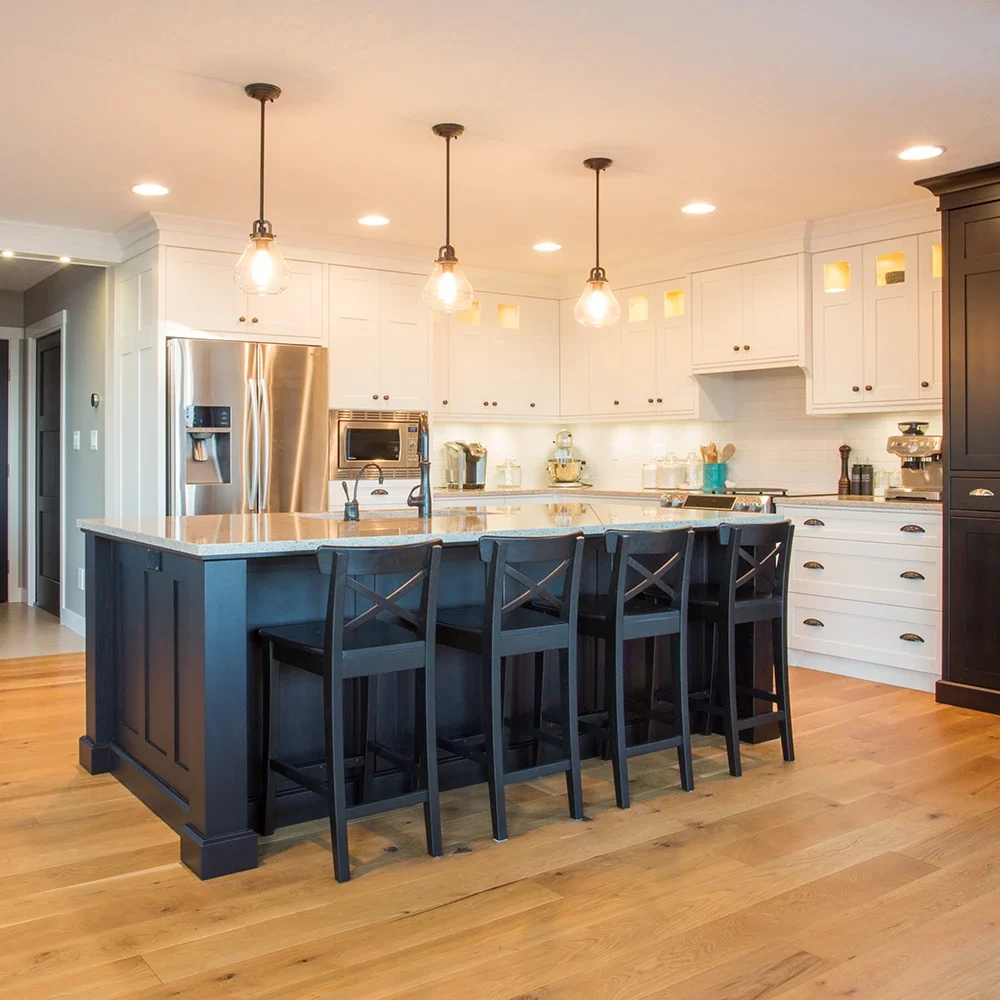
Creating the Perfect Lighting Plan for Your Renovated Space
Lighting can transform the look, feel, and functionality of your newly renovated space. At Harcon Electric and Controls Ltd, we help homeowners and businesses across the Comox Valley, including Courtenay, Comox, Cumberland, and Nanaimo, design and install custom lighting solutions that elevate any renovation project. Why a Thoughtful Lighting Plan Matters Lighting isn’t just…
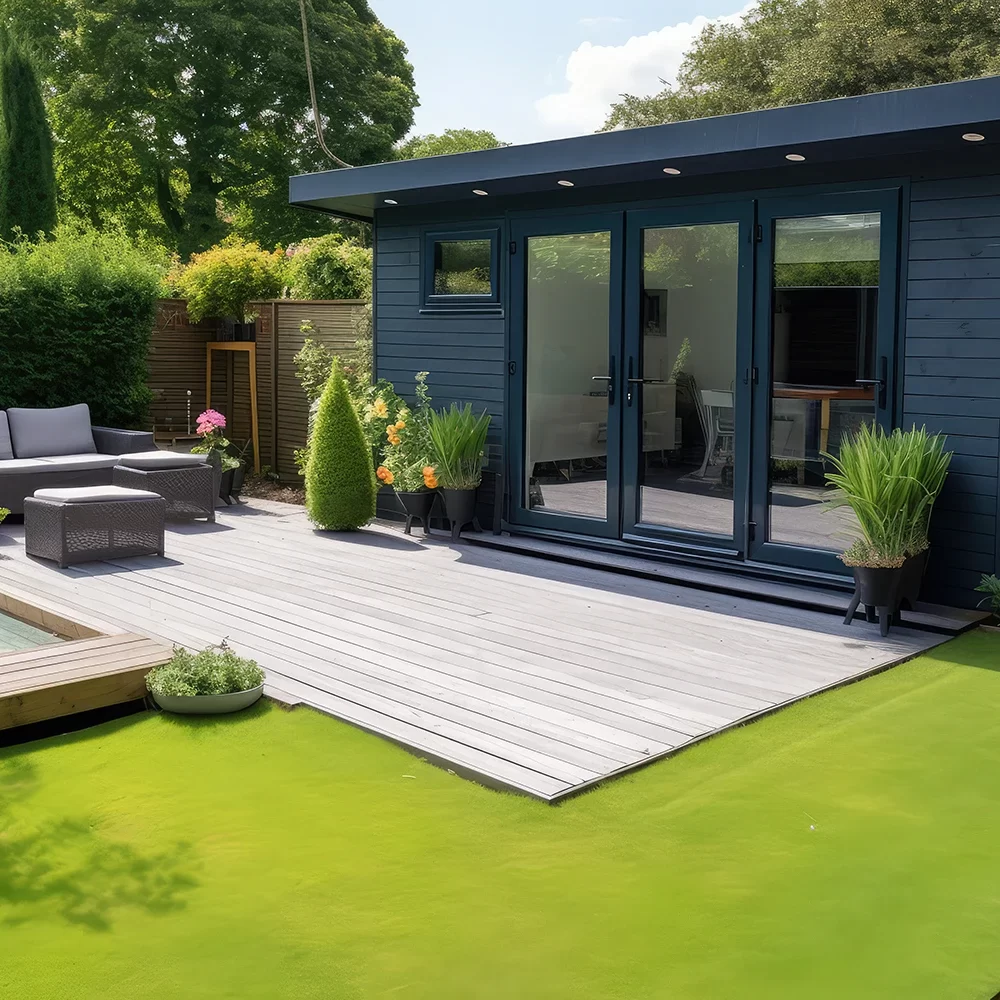
Why Electrical Upgrades Are Essential During Renovations
Renovating your home or office is the perfect opportunity to upgrade your electrical system to match your modern needs. At Harcon Electric and Controls Ltd, we specialize in electrical renovation upgrades that make your space safer, more efficient, and ready for the future. Serving the Comox Valley, including Courtenay, Comox, Cumberland, and beyond, we help…

The Process of Upgrading Your Electrical Panel
Upgrading your electrical panel is a critical step in modernizing your home or business. Whether you’re preparing for new appliances, adding a home office, or just ensuring your electrical system is safe and efficient, Harcon Electric and Controls Ltd is here to guide you through the process. Here’s what to expect when you work with…

When Should You Upgrade Your Electrical Service?
Your electrical system is the backbone of your home or business, but over time, it may struggle to keep up with modern energy demands. At Harcon Electric and Controls Ltd, serving the Comox Valley and surrounding areas like Courtenay, Comox, Cumberland, and Nanaimo, we specialize in seamless electrical service upgrades that ensure your property is…

The Importance of Electrical Safety in Manufacturing
Industrial settings, like manufacturing plants and food processing facilities, rely heavily on electrical systems. However, these systems can pose significant safety challenges if not properly maintained. At Harcon Electric and Controls Ltd, we prioritize electrical safety, helping industrial clients in Courtenay, Comox, Cumberland, and surrounding areas maintain secure operations. Common Electrical Safety Challenges in…

Top 3 Automation Upgrades for Industrial Efficiency in the Comox Valley
In today’s fast-paced industrial world, staying competitive means embracing technology that enhances efficiency and productivity. Automation upgrades like PLCs, VFDs, and smart control systems are transforming industries across the Comox Valley. At Harcon Electric and Controls Ltd, we specialize in industrial electrical, control, and automation services designed to streamline your operations, reduce costs, and boost…

Preventative Electrical Maintenance for Businesses in the Comox Valley
Electrical systems are the backbone of any business, powering daily operations and ensuring smooth functionality. Yet, many businesses overlook the importance of regular electrical maintenance. At Harcon Electric and Controls Ltd, we provide preventative electrical maintenance services to help businesses in the Comox Valley avoid costly downtime and repairs. Why Preventative Maintenance is Critical…

How Proper Lighting Boosts Workplace Productivity in the Comox Valley
When it comes to creating a productive work environment, proper lighting is often overlooked. However, lighting plays a crucial role in employee well-being, efficiency, and overall workplace satisfaction. At Harcon Electric and Controls Ltd, we specialize in commercial lighting solutions designed to enhance productivity for businesses in Courtenay, Comox, Cumberland, and beyond. The Link…

The Benefits of Smart Home Upgrades in Courtenay, Comox, and Cumberland
Your electrical panel is the heart of your home’s power system. If it’s outdated or malfunctioning, it can cause serious safety and efficiency issues. Harcon Electric and Controls Ltd is here to help homeowners in Courtenay and the surrounding Comox Valley identify when it’s time for an upgrade. Common Signs Your Panel Needs Attention…

x5 Common Electrical Issues in Homes in the Comox Valley (And How to Fix Them)
Your home’s electrical system powers your daily life, from the first cup of coffee in the morning to unwinding with a good movie at night. When something goes wrong, it’s more than an inconvenience-it could be a safety hazard. At Harcon Electric and Controls Ltd, we’ve spent years serving the Comox Valley and surrounding areas,…
Current Spacing
Called current spacing because this changes
how to get to defualt
Problem Solving
Head
aa
E-Commerce
Head
aa
Plugins
Head
aa
Good Practice
Head
aa
THE END & OTHER SAVED ELEMENTS
Subdivision applications are required when a property owner or developer wants to create two or more lots out of an existing parcel or simply wants to move the boundary line between two adjacent properties. The application process typically starts with a Site Plan showing the proposed Subdivision configuration and requires approval from the local Approving Officer.
As Subdivision Applications are often complex, we encourage prospective clients to reach out and discuss the requirements with a member of our team.
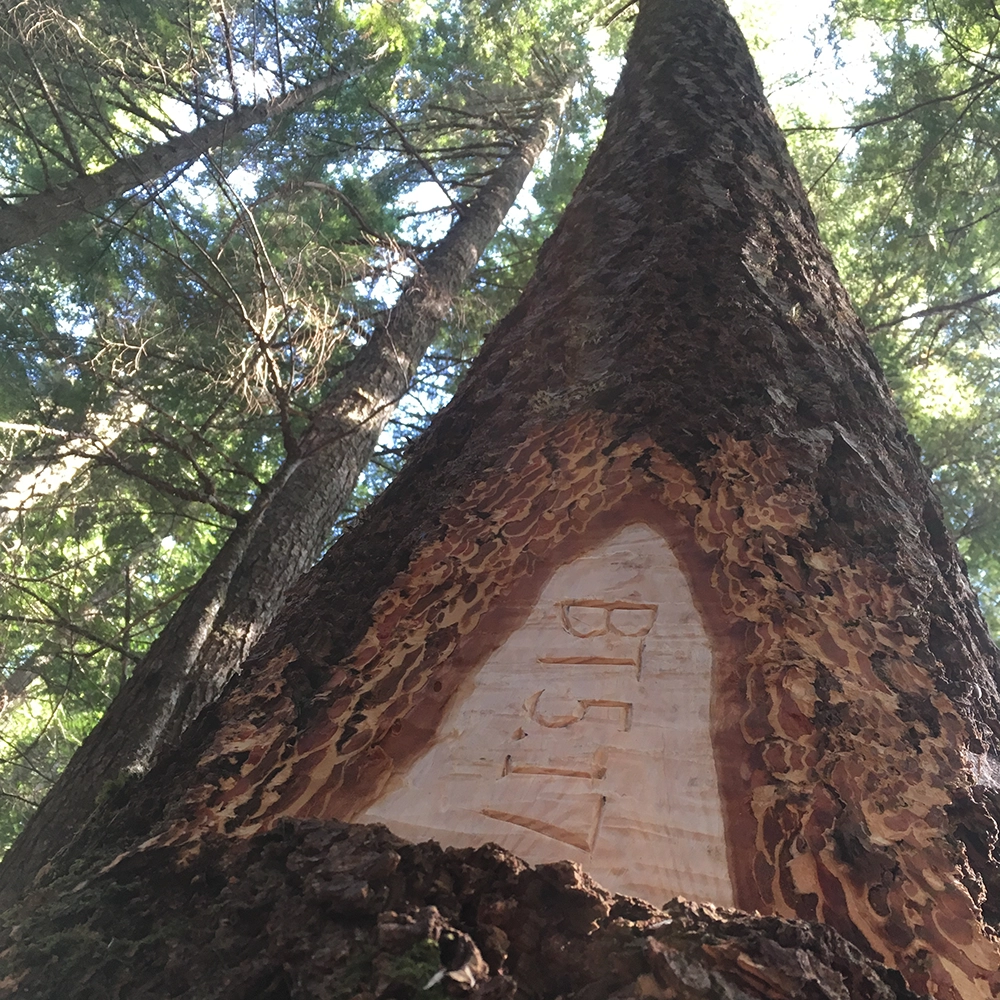
Strata Surveys range from 2-unit residential duplexes to multi-building mixed-use developments. We work with developers and builders to define the boundaries between Strata Lots, shared Common Property and Limited Common Property within a Strata Development. Petras Land Surveying offers the following services:
- Building Stata Plans
- Bare Land Strata Plans
- Proposed Strata Plans for Disclosure Statements
- Amending existing Strata Plans (to redefine how the Strata Corporation uses a specific area)
As Strata Plans are dynamic, we encourage prospective clients to reach out and discuss the site requirements with a member of our team.
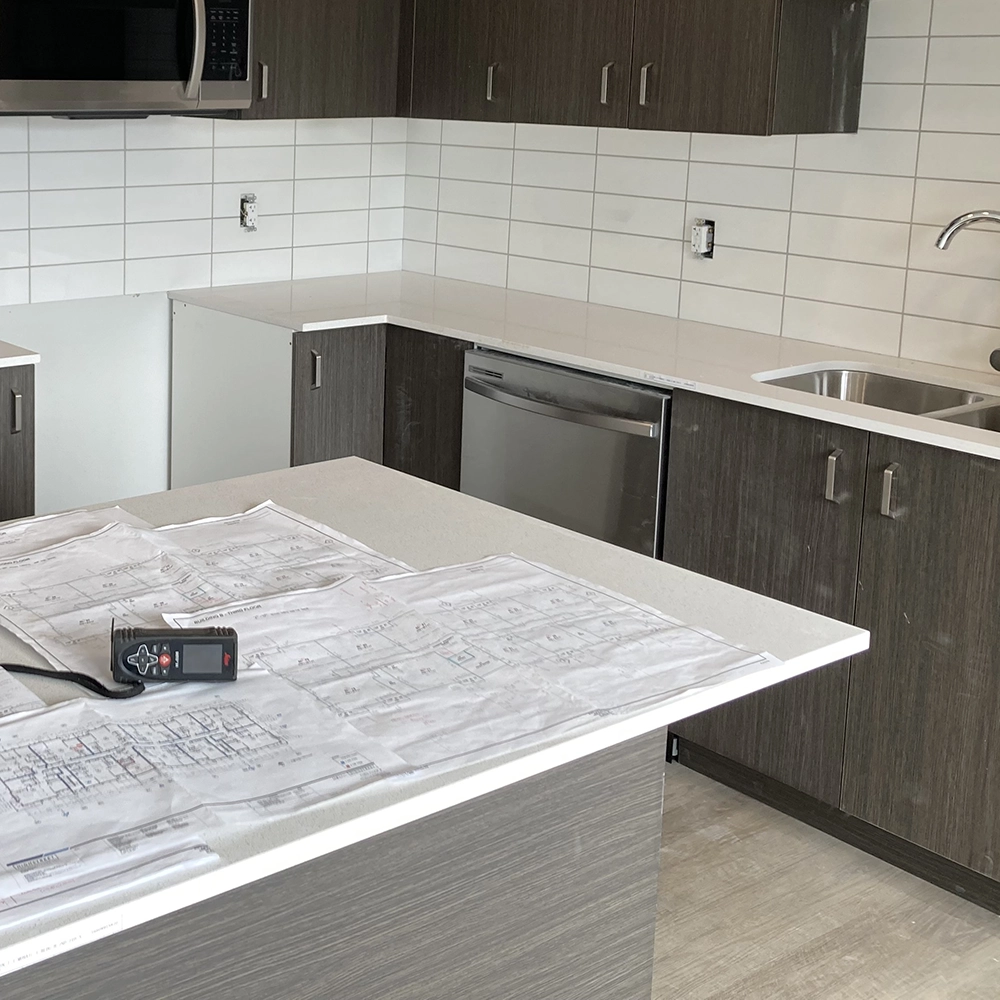
Circumstances determine when a legal charge may need to be registered on title or on that of a neighboring parcel. This can range from an easement over an access driveway, a Statutory Right of Way over a utility company’s infrastructure or a Restrictive Covenant protecting sensitive environmental wetlands. Each project is unique and we work with our client to understand the scope of their project.

By their very definition, natural boundaries can move. There are times when a new survey plan showing the updated location of the present natural boundary is required for a building permit or subdivision application. Our team is experienced in determining the location of the natural boundary and can prepare application packages that are submitted to the Surveyor General when required. As these types of applications are dynamic, we encourage prospective clients to reach out and discuss their particular project with a member of our team.
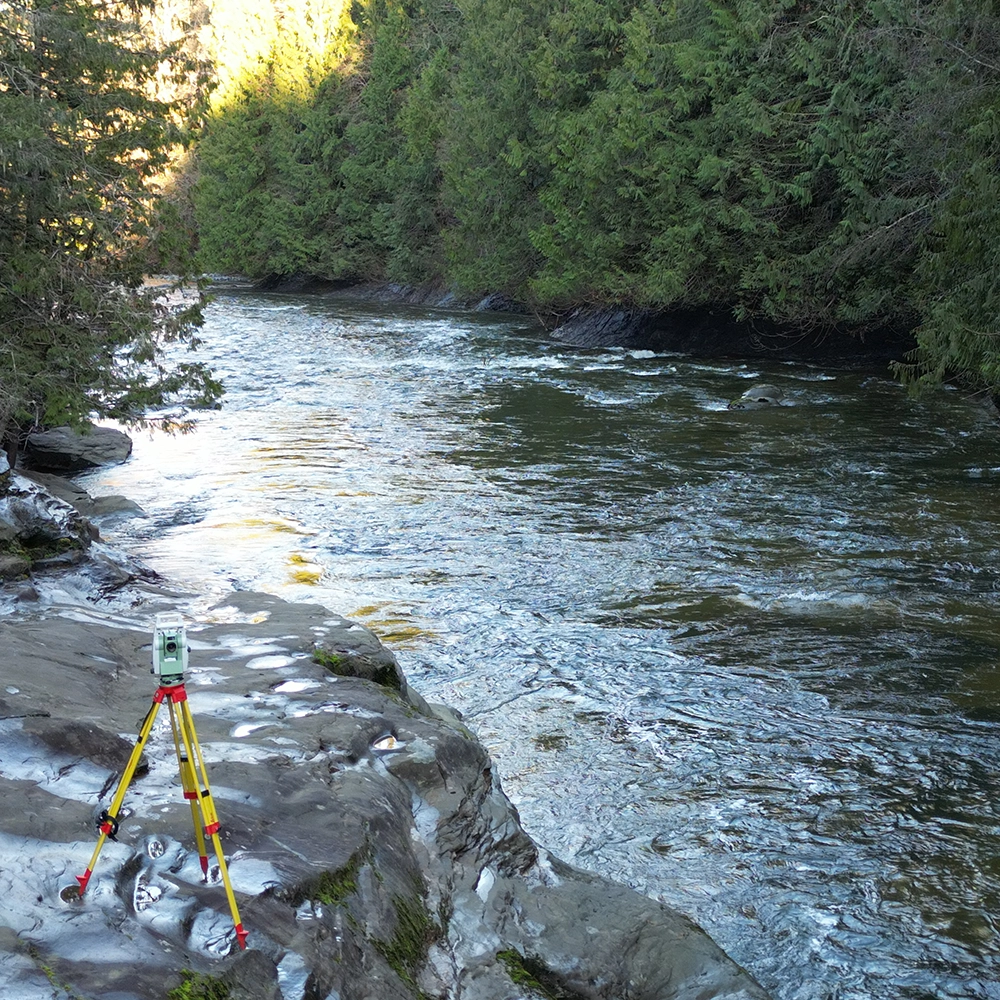
When our clients need to know where their property ends and the adjacent one begins (whether retracing District Lot boundaries from an original 1890’s survey or redefining residential city lots) we research the existing records, thoroughly look for original survey evidence in the field, and then reestablish the location of the boundary lines and set new survey posts at the corners. We complete the survey plan for registration in the Land Title Office.